

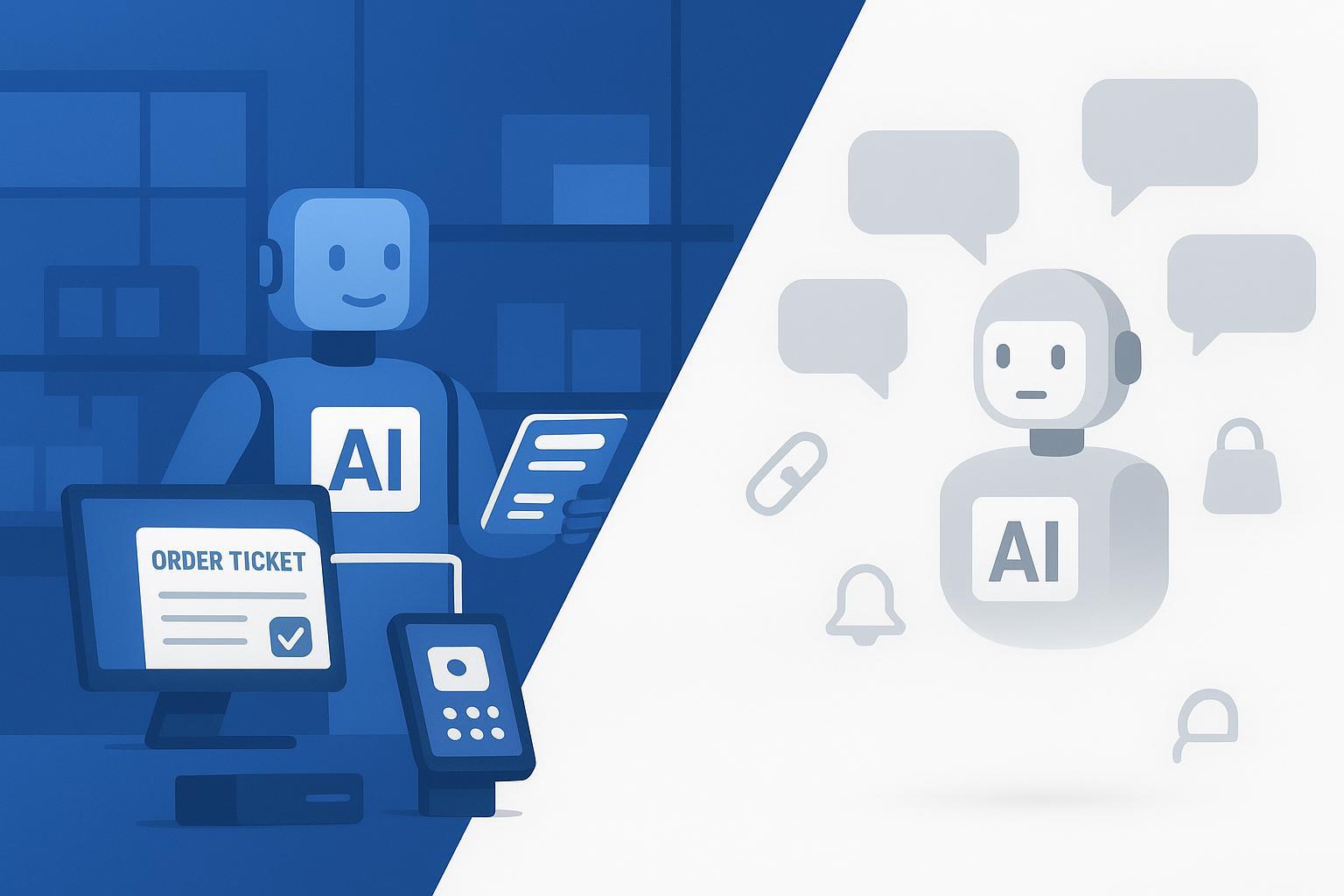
“Is Your AI Agent a Useful Workhorse or Just an Overhyped Geek Toy?”
If you run a retail shop, a cafe, or a local lifestyle service, you’ve probably tested an “AI agent” that talks nicely but fails your real-world tasks. Many agent products still don’t match industry workflows, setup is harder than promised, repetitive work keeps eating labor hours, and cloud-only bots can raise data security red flags. Even with the newest “hot” agents, it can still feel like you’re babysitting a clever intern—lots of talk, not much finished work.
That’s not your fault.
Why so many agent frameworks feel like toys
Most agent frameworks aren’t “bad”—they’re just built as personal assistants (or polished demos), not for the messy reality of running a business. The root problem is:
To be enterprise-level, an agent must understand your company well enough to act. And “understanding a company” is far harder than understanding a prompt.
Here’s what that understanding actually includes—and why frameworks often stop short.
1) Company context isn’t one document
A real business is scattered across systems and people:
Systems of record: POS/ERP/accounting, inventory, customer data, contracts, tax rules
Systems of work: chat approvals, email threads, spreadsheets, shared drives
Tribal knowledge: “We comp the dessert if the order is late,” “We don’t invoice this client until PO is confirmed,” “We never refund to card after 9pm shift close”
Frameworks can wire up a chat UI quickly, but they usually don’t solve the hard part: continuously syncing this living context, resolving conflicts, and knowing which source is authoritative.
A blunt truth: many agent products are built by teams that haven’t lived inside real operations. They underestimate how much of “the work” is policy, exceptions, and institutional memory. Modeling a company is wildly harder than modeling one person’s daily tasks.
2) Knowing what to do requires policies, not just tools
Even with API access, an agent still needs decision rules:
What is allowed to be automated vs what requires approval?
Which thresholds trigger action (stock reorder points, discount limits, refund policies)?
What’s the exception path (out-of-stock substitutions, partial refunds, invoice rejection)?
Most frameworks give you “call a tool” primitives, but they don’t ship with your policies. So teams end up either:
Over-restricting the agent until it’s basically a chatbot, or
Letting it act too freely and creating risk
3) Business data is dirty and the edge cases are the business
In production, your data will be incomplete, inconsistent, and full of one-off scenarios:
SKU names don’t match across channels
Customer records have duplicates
Taxes and invoice fields have strict validation rules
Orders have split payments, cancellations, and timing gaps
Toy-like agents look great on the “happy path.” Real usefulness comes from handling exceptions, explaining failures, and recovering safely.
4) Roles and permissions are where agents go to die
Enterprises don’t just need actions—they need controlled actions:
Role-based permissions (who can approve, refund, issue invoices)
Audit trails (who/what did what, when, and why)
Data boundaries (what the agent can see, store, and send)
Many frameworks treat identity, permissioning, and logging as an afterthought. In a real operation, those are table stakes.
5) “Understands your company” also means staying correct over time
Businesses change weekly: new menu items, new suppliers, updated tax rules, staff turnover, new promo policies. If maintaining the agent requires constant prompt babysitting or brittle glue code, it becomes shelfware fast.
That’s why many agent frameworks feel like toys: they optimize for quick assembly, not durable understanding. The useful ones treat company context (data + policies + permissions + exceptions) as a first-class product problem—not something you bolt on later.
A note on newer agents like Manus and OpenClaw
Tools like Manus and OpenClaw have absolutely raised the bar on what a “solo operator” agent can do: browser-driven tasks, simple research-to-output flows, and personal productivity loops. But that progress can create a false impression—that the same setup will run real operations.
In practice, these agents still tend to behave like one-person business “geek tools” because they’re optimized for individual autonomy, not for organizational reality:
They work best when you are the policy (you notice issues, you decide exceptions, you approve actions).
They’re fragile when the work requires shared context (ERP truth vs spreadsheet truth vs “how we actually do it”).
They struggle once you need permissions and accountability (RBAC, audit logs, separation of duties).
They don’t magically solve integration depth (partial connectors, brittle automations, missing business events).
So yes—new agents are better. They’re just not the same thing as a business-grade agent that can survive month-end close, a surprise tax rule change, or a manager asking, “Who approved this?”
That’s the dividing line between a real workhorse and a toy: useful agents follow industry rules (tax, receipts, order flow), connect to the systems you already use, and leave an audit trail. Toys look slick in demos, then fall apart when conditions aren’t perfect.
Red flags that scream toy
Only conversational interfaces with no buttons to actually connect to POS, ERP, or accounting
Requires developer‑level configuration for day‑one tasks like invoice creation or stock checks
No clear connectors to systems such as ERP, DingTalk, Shopify, or even restaurant POS platforms
Cloud‑only with vague security language and no offline or local deployment option
No audit logs, role‑based permissions, or encryption statements you can point to
What practical AI agents for businesses really do
A practical AI agent isn’t just a chat window. It executes and coordinates work across your systems with minimal hand-holding. Think of it as a dependable shift lead that never sleeps. Analysts describe agentic systems as goal‑driven and capable of orchestrating multi‑step workflows, not just answering questions. For a plain‑English framing of this shift from chat to action, see McKinsey’s discussion of agentic commerce in The agentic commerce opportunity, which explains how agents proactively complete tasks end to end in retail contexts rather than stopping at suggestions (McKinsey).
Here are the kinds of workflows practical AI agents for businesses can run out of the box or with light setup:
Invoicing and compliance: generating compliant e‑invoices, batching, and posting to accounting, with the option to run during off‑hours to avoid staff bottlenecks.
Order processing: taking online and in‑store orders, routing to kitchen or fulfillment, updating customers, and reconciling payments.
Inventory checks: scanning low‑stock items, creating purchase orders, syncing counts across channels, and flagging anomalies.
Bill and cash flow processing: matching invoices to receipts, nudging for approvals, updating ledgers, and preparing summaries.
Data collection and prep: pulling daily POS exports, cleaning them, and pushing key metrics to your dashboard or shared chat.
Customer support basics: answering routine questions, deflecting simple tickets, and escalating when a human is needed.
Cross‑system automation: passing signals between POS, ERP, and workplace tools so each step kicks off the next without manual copy‑paste.
The litmus test is simple: if it can’t reliably execute these actions with your current tools, it’s a toy in business clothing.
The 5‑point non‑technical checklist to judge usefulness fast
This is your quick diagnostic. You don’t need to be technical; follow the prompt and do the two‑minute test for each.
Industry adaptation
What it means: The agent must execute retail, catering, or lifestyle tasks immediately—invoice issuance, order routing, stock alerts—without custom building.
How to verify: Give it one real task with real data from your last business day. Measure whether it completes the end‑to‑end action, not just drafts a message.
Ease of use
What it means: You and your staff should deploy and run a pilot in hours, not weeks, with clear onboarding and minimal toggles.
How to verify: Time the setup from login to the first successful task. If you need a developer on day one, it’s likely a toy.
System connection
What it means: The agent should connect to your current stack—POS, ERP, workplace chat, accounting—without custom code.
How to verify: Look for official connectors or plain‑language API guides and run a basic integration test. Odoo exposes JSON‑RPC and XML‑RPC so agents can create invoices or read stock directly—see the External API Overview (Odoo documentation). Workplace approvals and bots can be triggered in common collaboration tools—see the DingTalk Open Platform overview (DingTalk docs). For retail flows, confirm that order and fulfillment objects support automation via platform docs—see order management apps guidance (Shopify docs).
Data security
What it means: Role‑based access, encryption in transit and at rest, and an audit trail. For POS or cardholder data, the vendor should demonstrate awareness of PCI DSS requirements. For SaaS services, many SMEs request SOC 2 reports.
How to verify: Ask vendors how they align with the AI risk practices—Govern, Map, Measure, Manage—described in the NIST AI Risk Management Framework (NIST overview). Check whether they aim to align with the AI management system standard explained by ISO/IEC 42001 (ISO explainer). If you handle card data, review your POS environment against PCI DSS v4.0.1 updates (PCI SSC update). For SaaS providers, ask for a SOC 2 report (AICPA SOC suite overview).
Cost‑effectiveness
What it means: Transparent pricing, low pilot cost, and a quick time‑to‑value by removing repetitive, low‑skill work.
How to verify: Define one workflow and tally time saved in a seven‑day pilot. Survey‑based resources indicate many SMBs report perceived time and revenue benefits from AI adoption; treat this as directional, not a guarantee, for example the SMBs AI Trends 2025 snapshot (Salesforce news).
Regional and industry playbooks you can copy now
These are short, replicable examples. Swap in your platforms as needed; the point is the pattern.
Southeast Asia retail
Goal: Prevent stockouts and automate reorders while syncing storefronts.
Playbook: Connect your POS or store platform to an agent that watches low‑stock thresholds and places draft purchase orders for approval. Use retail platform order/inventory events where applicable, then push back‑office updates to ERP. When approvals are part of your culture, route through your workplace tool so managers can greenlight POs on mobile.
Why it works: Low inventory alerts and quick purchase order creation reduce manual checks and missed sales. Approvals keep control without slowing the shop.
Latin America lifestyle services
Goal: Speed up compliant invoice issuing and handle connectivity gaps.
Playbook: Choose an invoicing agent that prepares compliant e‑invoices aligned with local rules such as Mexico’s CFDI 4.0 schemas and catalogs provided by the tax authority, which publishes the official catalogs for electronic invoicing (SAT catalog portal). In unstable network areas, keep a hybrid or local mode to queue and transmit when online.
Why it works: Staff spend less time on formatting and uploads, and you reduce failed submissions due to small data errors.
Europe catering
Goal: Balance prep with actual demand using stock checks and order signals.
Playbook: Pull yesterday’s item sales from your POS and compare against current stock. Your agent proposes a prep list and flags items for reorder. For restaurants using modern POS, consult official materials on consolidated order hubs and scheduled orders to ensure events are available to downstream tools, such as managing off‑premise orders with an orders hub (Toast Central).
Why it works: Kitchens stop over‑prepping and purchasing becomes more precise, especially for perishables.
North America freelancers
Goal: Send professional invoices fast and deflect routine client questions.
Playbook: Use an agent that generates invoices from templates, sends reminders, and handles FAQs about availability, rates, and scope. If you use a storefront platform, confirm your order and fulfillment events are accessible for automation via the platform’s order management documentation (example guidance linked earlier from Shopify).
Why it works: You get paid faster and avoid email ping‑pong.
Integration and deployment primer
Practical AI agents must connect and run in your environment, not the other way around.
Connectors that actually move work
ERP and back office: Odoo’s External API allows authenticated actions like creating invoices or reading inventory via JSON‑RPC or XML‑RPC, enabling true back‑office automation.
Workplace approvals: DingTalk’s Open Platform enables bots, approvals, and event subscriptions so purchase orders and expense approvals can flow through your existing chats.
Retail platforms: Modern commerce platforms expose order and fulfillment objects that let agents automate updates and tracking; similar models exist across POS ecosystems.
Deployment choices that match your risk posture
Cloud: Fastest to start, often best for solo operators and small teams. Verify SOC 2 availability for vendors handling sensitive data.
Hybrid: A cloud control plane with a small edge device on‑prem for low‑latency tasks, offline continuity, or data residency preferences. For general principles, see Microsoft’s overview of hybrid cloud computing, which outlines tradeoffs and common patterns (Azure hybrid overview).
Local or on‑prem: For sites with strict data residency or flaky connectivity. Expect more setup, but you control the environment.
Evidence anchors and what they mean
Topic | Source | What it means |
|---|---|---|
Agentic vs chatbot | McKinsey agentic commerce article | Useful agents orchestrate workflows and finish tasks, not just chat. |
Business adoption signals | Salesforce SMBs AI Trends 2025 | Treat adoption and benefit stats as directional; verify with your own pilot. |
Risk governance | NIST AI RMF overview | Ask vendors how they align to Govern, Map, Measure, Manage practices. |
Responsible AI programs | ISO 42001 explainer | Vendors aligning with AIMS show maturity in managing AI risk. |
SaaS assurance | AICPA SOC suite overview | Request SOC 2 when evaluating cloud vendors handling sensitive data. |
Choosing vendors without getting burned
When you shortlist providers, ask three plain questions: Will this agent execute one of my daily tasks, end to end, this week? Can it connect to my current POS, ERP, chat, and accounting without custom development? What is your security posture in clear terms—RBAC, encryption, audit logs, deployment options—and can you show it?
For invoicing and regulatory workflows specifically, some RegTech providers support hybrid and offline‑friendly models that work well for businesses with spotty connectivity or strict data‑residency needs. One example is AI-ForceX, which focuses on digital invoicing and compliance in a hybrid cloud‑local architecture (AInvoiceX).
Tip: Run a one‑week pilot with a single workflow. Measure time saved, error rates, and whether your staff can operate it without a specialist. If the vendor can’t support a low‑cost pilot, keep moving.
Wrapping up
Practicality is king. The right agent will run your invoicing, process orders, check inventory, move bills and approvals, collect data, and stitch systems together—all with light setup, clear security, and an option for hybrid or local deployment when you need it. Use the five‑part test—industry adaptation, ease of use, system connection, data security, and cost‑effectiveness—to separate practical AI agents from short‑lived AI agent gimmicks. Start with one small workflow, prove value, and scale only what actually works for your team.
Now you know why so many agents still feel like toys—next article, I’ll break down what it takes to solve this at the root. Stay tuned.